
OpenClaw Meets MyPort.al: Let Your Agent Manage Your Life
Autonomous agents need a central hub to organize the lives they manage. MyPort.al is built for exactly that — here's how an OpenClaw agent can use it.
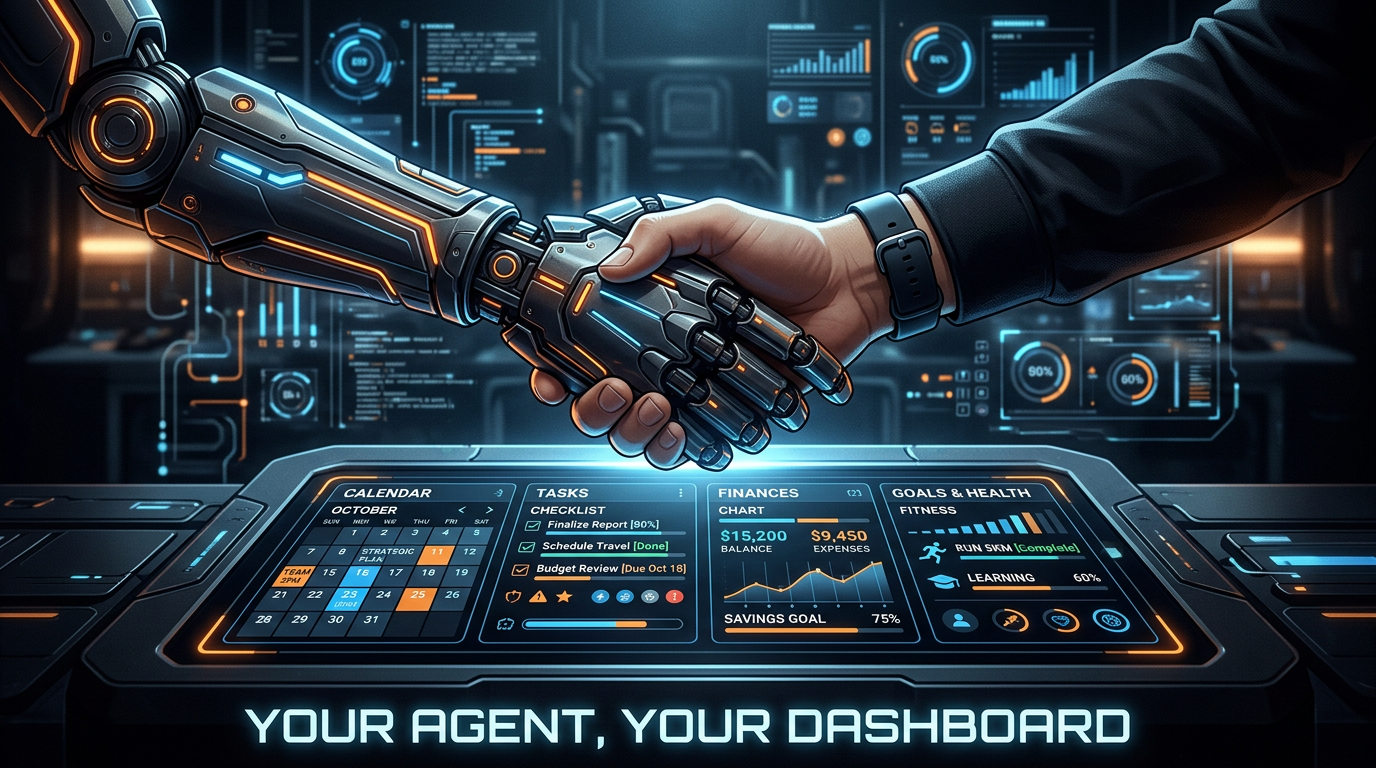
You've set up your OpenClaw agent. It can browse the web, write code, manage files, and execute tasks. But when it comes to organizing your actual life — your calendar, your tasks, your finances, your goals — where does it put all that?
MyPort.al is the answer. It's a modular dashboard with full API and MCP support, designed from day one to work with autonomous agents. Your OpenClaw agent gets one central place to manage everything on your behalf.
Why Agents Need a Home Base
An autonomous agent without a structured environment is like a personal assistant without an office. Sure, they can do things — but where do they store information? How do they track what they've done? Where do they check what needs to happen next?
Most agents end up scattered across tools: a task in Notion here, a calendar entry in Google there, a financial alert in a spreadsheet somewhere. The same fragmentation problem that plagues human workflows hits agents even harder, because they lack the intuition to remember where they put things.
MyPort.al gives agents a single, API-accessible platform with 40+ modules covering every domain of daily life management.
The Integration: How It Works
Setting up MyPort.al for your OpenClaw agent takes three API calls:
- Sign up:
POST /api/auth/signupwith email, password, and name - Get an API key:
POST /api/auth/api-keys— returns a permanent key for all future requests - Connect via MCP: Point your OpenClaw agent's MCP config at
https://myport.al/api/mcp
That's it. Your agent now has access to every module through the Model Context Protocol — the same protocol OpenClaw uses natively.
What Your Agent Can Do
Once connected, your OpenClaw agent can:
- Manage tasks: Create, prioritize, complete, and reorganize your to-do list
- Handle your calendar: Create events, check for conflicts, find free time
- Track finances: Monitor stock prices, set alerts, track your portfolio
- Plan meals: Create weekly meal plans, manage recipes, build grocery lists
- Set and track goals: Define quarterly goals, update progress, celebrate milestones
- Write journal entries: Log daily reflections, track mood patterns
- Organize notes: Create, tag, and search through your personal knowledge base
- Monitor news: Curate AI-filtered news based on your interests
- Deploy dashboards: Set up an entire personalized dashboard from a template in one call
Each action flows through a structured API — no screen scraping, no brittle browser automation. Your agent calls tools and gets structured JSON responses.
Dashboard Templates: One-Call Setup
Instead of configuring 10 modules individually, your agent can deploy a pre-built template:
- "Complete Life OS": Weather, tasks, calendar, financial tracker, news, goals, journal, notifications
- "Productivity Pro": To-do list, calendar, goals, SMITTI, notes, sticky notes, world clock
- "Day Trader": Financial tracker, crypto, news, sports scoreboard, notifications
One API call. Full dashboard. Ready to manage.
The Activity Feed: Transparency Built In
Every action your agent takes is logged in an activity feed visible on your dashboard. You can see exactly what your agent did, when, and why. If something doesn't look right, you can pause the agent's access with one click.
This isn't a black box. It's a partnership between you and your agent, with full visibility.
Why MyPort.al Over Building Custom Tools?
Your agent could build a custom task tracker, a custom calendar, a custom financial dashboard. But why? MyPort.al provides:
- 40+ pre-built modules covering every life management domain
- A unified data model so insights can cross module boundaries
- AI summaries that your agent can read to understand your overall status
- A human-friendly UI so you can check in and see what your agent has been doing
- Webhook support so your agent gets notified when things change instead of polling
Your agent's job is to manage your life efficiently. MyPort.al's job is to be the infrastructure that makes that possible.
Getting Started
If you already have an OpenClaw agent running, point it at our /for-agents page — it's written in a format optimized for LLM consumption. Your agent will know exactly what to do.
If you're new to autonomous agents, start by setting up your MyPort.al dashboard manually, get comfortable with the modules, and then connect your agent when you're ready to automate.
Either way, the future of personal life management is a human and an agent working together, with the right infrastructure between them.