
World Clock Module: Every Time Zone You Care About
Track time across multiple time zones for global coordination — stop doing mental math before every international call.
Your team spans four continents. A client in Tokyo wants a call. Your developer in Berlin is three hours ahead. Your sister in Sydney just became reachable. You open a time zone converter, type each city, do the daylight saving math wrong anyway, and schedule the meeting for what turns out to be their midnight.
Time zone math isn't a skill — it's a tax on every global conversation. And you pay it before every single call.
Every Clock, One Glance
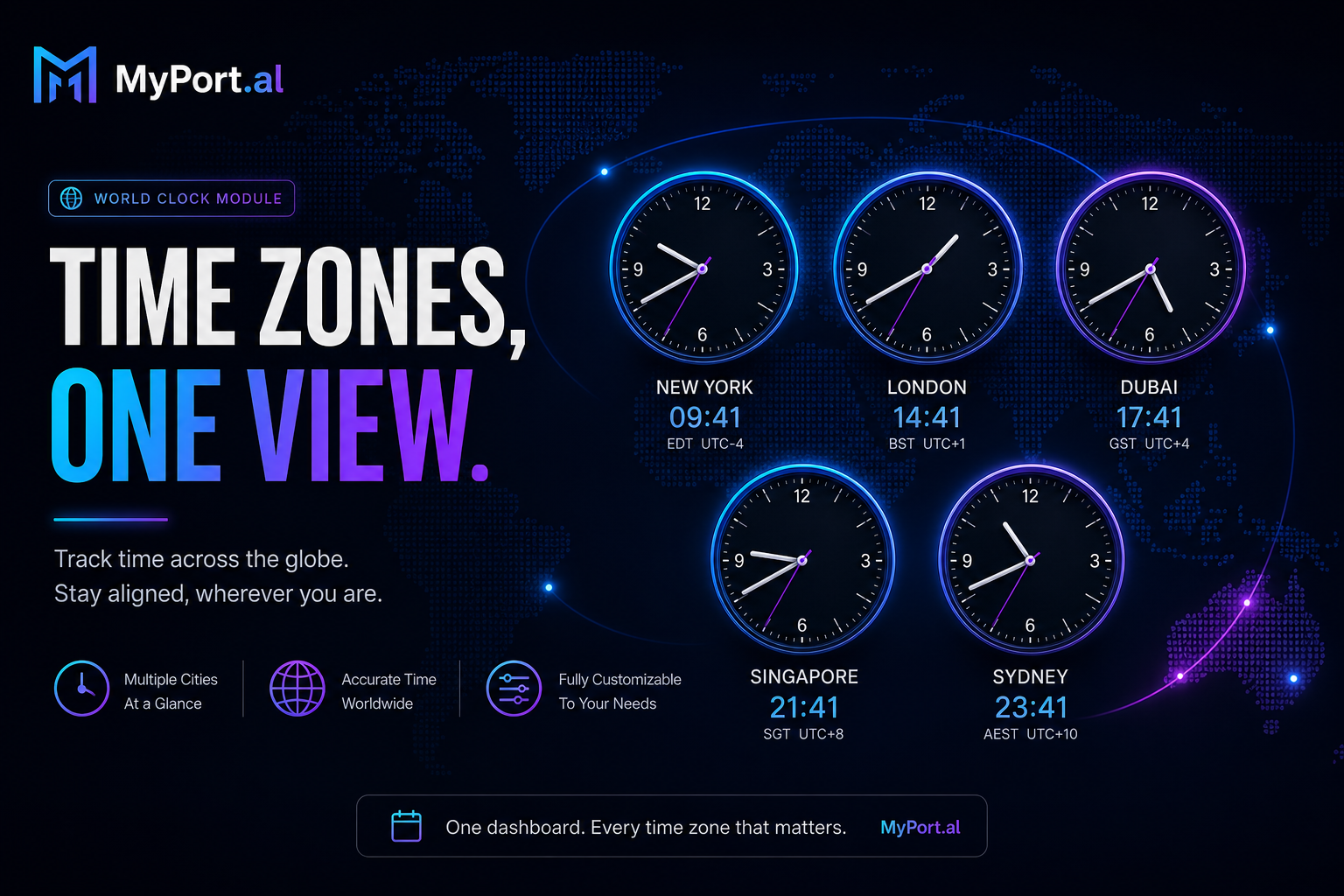
The World Clock module tracks time across multiple time zones for global coordination. Add the cities and regions that matter to you — offices, clients, family, travel destinations — and see current local times on your dashboard. No converters, no mental arithmetic, no "wait, are they in DST right now?" panic before you hit send on a meeting invite.
Thursday, 7:45 AM. You open MyPort.al before your standup. London shows 3:45 PM — your UK contractor is still online. Mumbai shows 6:15 PM — perfect window. San Francisco shows 7:45 AM — too early for the West Coast lead. You Slack the right people without waking anyone. Decision made in five seconds.
What Makes It More Than a Clock Widget
This isn't a single UTC offset display. The World Clock module is built for people who coordinate across borders:
- Multi-time-zone tracking — monitor every location that matters, not just your local offset
- Live local times — see what time it is right now anywhere on your list
- Global coordination — plan calls, deadlines, and handoffs with confidence
- Family and travel — know when to call parents abroad or what time it is at your vacation rental
- Dashboard-native display — sits alongside Calendar and Email for scheduling context
- Always visible — no app to open when you need a quick time check before messaging someone
The Fun Factor
There's a particular relief in never being the person who schedules a 6 AM call for their colleague in Lisbon. World Clock on your dashboard becomes part of your identity as someone who respects other people's hours — which, in a remote world, is a genuine professional superpower.
And when your Calendar module shows your afternoon blocked and World Clock confirms your EU teammate's morning is still wide open? Cross-module scheduling magic happens without a single converter tab.
Who It's For
- Remote teams coordinating standups, handoffs, and deadlines across time zones
- Freelancers with international clients who need to know when it's reasonable to send a message
- Travelers and digital nomads tracking home time alongside wherever they are
- Families spread across countries who want to call at the right hour without waking anyone up
Start With World Clock
World Clock takes thirty seconds to set up. Add your first city, glance at the times, and never do DST math in your head again.
Preview the World Clock module or add it to your dashboard — and stop guessing what time it is somewhere else.
Try the World Clock app on your dashboard.