
Webpage Module: Any Site, Embedded on Your Dashboard
Configure any URL, refresh with one click, and embed it in a borderless iframe — the Webpage module turns your dashboard into a multi-site command center.
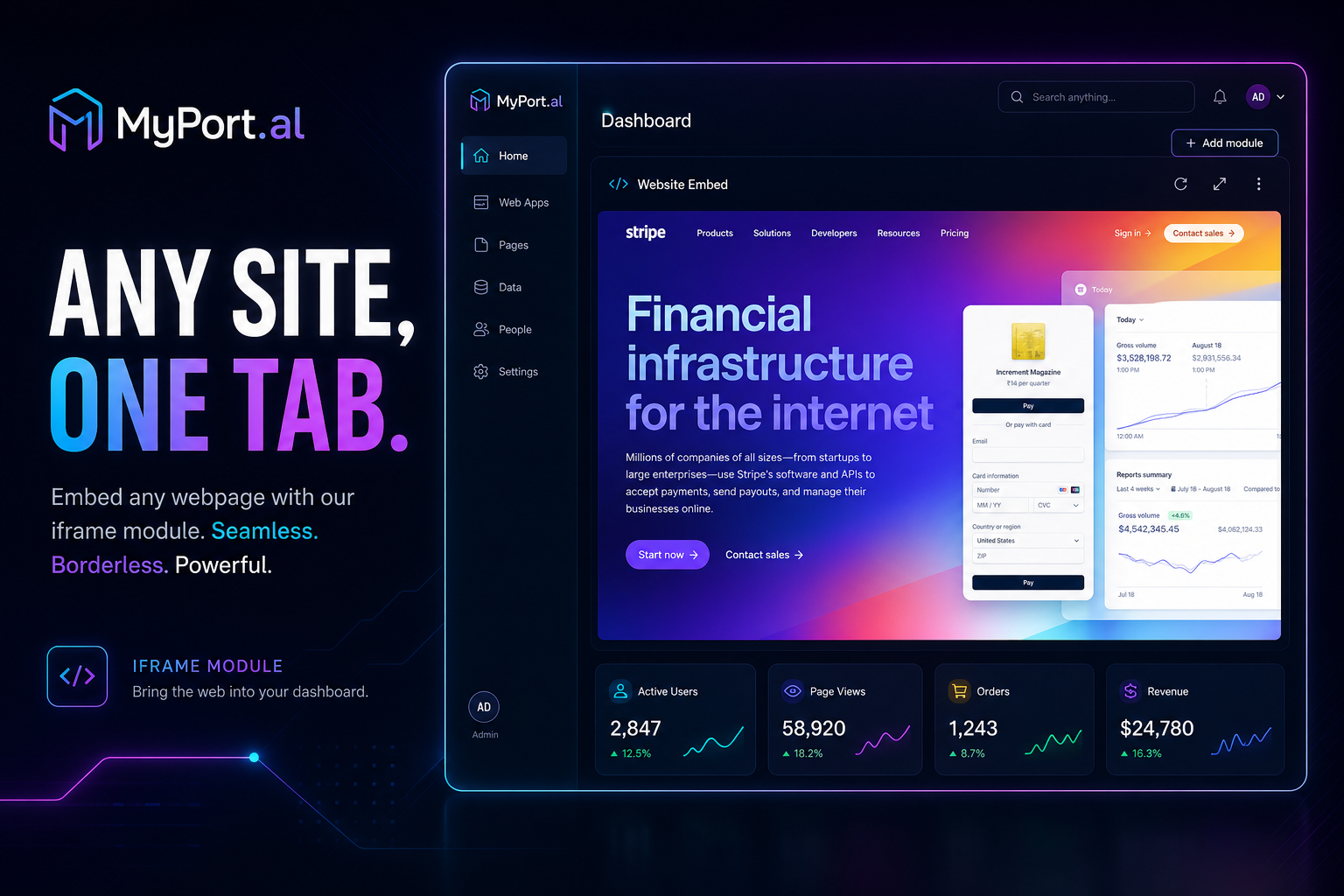
You have a site you check constantly. Maybe it's a project dashboard, a status page, a web app your team lives in, or a tool that doesn't have an API. So you keep a browser tab pinned. Then another. Then five tabs you can't close because you might need them.
Your actual dashboard is somewhere else entirely — full of modules that talk to each other, refresh together, and make your morning make sense. Except that one critical site is still a tab you'll forget to check.
One Glance, Any Webpage You Need
The Webpage module puts any URL exactly where your workflow belongs: your dashboard. Configure the address in settings, embed it in a borderless iframe, and refresh the content with a single click from the module header — or pop it out to a new tab when you need the full browser experience.
Tuesday, 9:00 AM. You open MyPort.al. Your Webpage module loads your team's project board — the one that doesn't integrate with anything else. Next to it: your To-Do list, your calendar, and your Start of Day briefing. You refresh the embedded page from the header, confirm the sprint status, and move on. No tab hunting. No context switching.
What Makes It More Than an Iframe
This isn't a lazy embed. The Webpage module is built for people who need external sites inside their dashboard workflow:
- Configurable URL — point the module at any web address and update it in settings anytime
- Borderless iframe display — clean, full-module rendering without chrome or distractions
- One-click refresh — reload the embedded page from the module header like every other module
- Pop-out support — open the page in a new browser tab when you need full functionality
- Auto-refresh option — set an interval to keep the embedded page current automatically
- Embeddability detection — clear feedback when a site blocks iframe embedding, with guidance to use pop-out instead
The Fun Factor
There's a quiet power in making your dashboard truly yours. That internal wiki, that analytics page, that web app your company built in 2019 — it lives alongside Weather, Calendar, and To-Do now. Your dashboard stops being a collection of MyPort.al modules and starts being your actual command center.
Add multiple Webpage module instances for different URLs and you've built a custom portal without writing code. That's the kind of flexibility enterprise dashboards charge thousands for.
Who It's For
- Remote workers embedding team tools, status pages, or internal dashboards
- Power users who want external web apps visible alongside native modules
- Dashboard builders creating custom portal layouts with multiple embedded sites
- Anyone with a pinned tab problem who wants that site inside their morning ritual instead
Embed Your First Page
The Webpage module is free, takes seconds to configure, and supports auto-refresh and pop-out. Point it at a URL and see your dashboard expand.
Preview the Webpage module or add it to your dashboard — and stop pinning tabs you wish lived on your dashboard.
Try the Webpage app on your dashboard.