
Translation Module: Any Language, Right on Your Dashboard
Translate text between any languages with persistent history and AI-powered accuracy — no tab-switching, no copy-paste into a separate translator.
A client emails in Spanish. A supplier's spec sheet is in German. A colleague's Slack message is in Portuguese and you're pretty sure it's urgent. You open Google Translate in a new tab, paste, copy the result, paste back, lose the original context, and wonder if "embarazada" really means what you think it means in this sentence.
Translation outside your workflow isn't multilingual — it's interrupt-driven. Every language barrier becomes a detour.
Translate Without Leaving Your Board
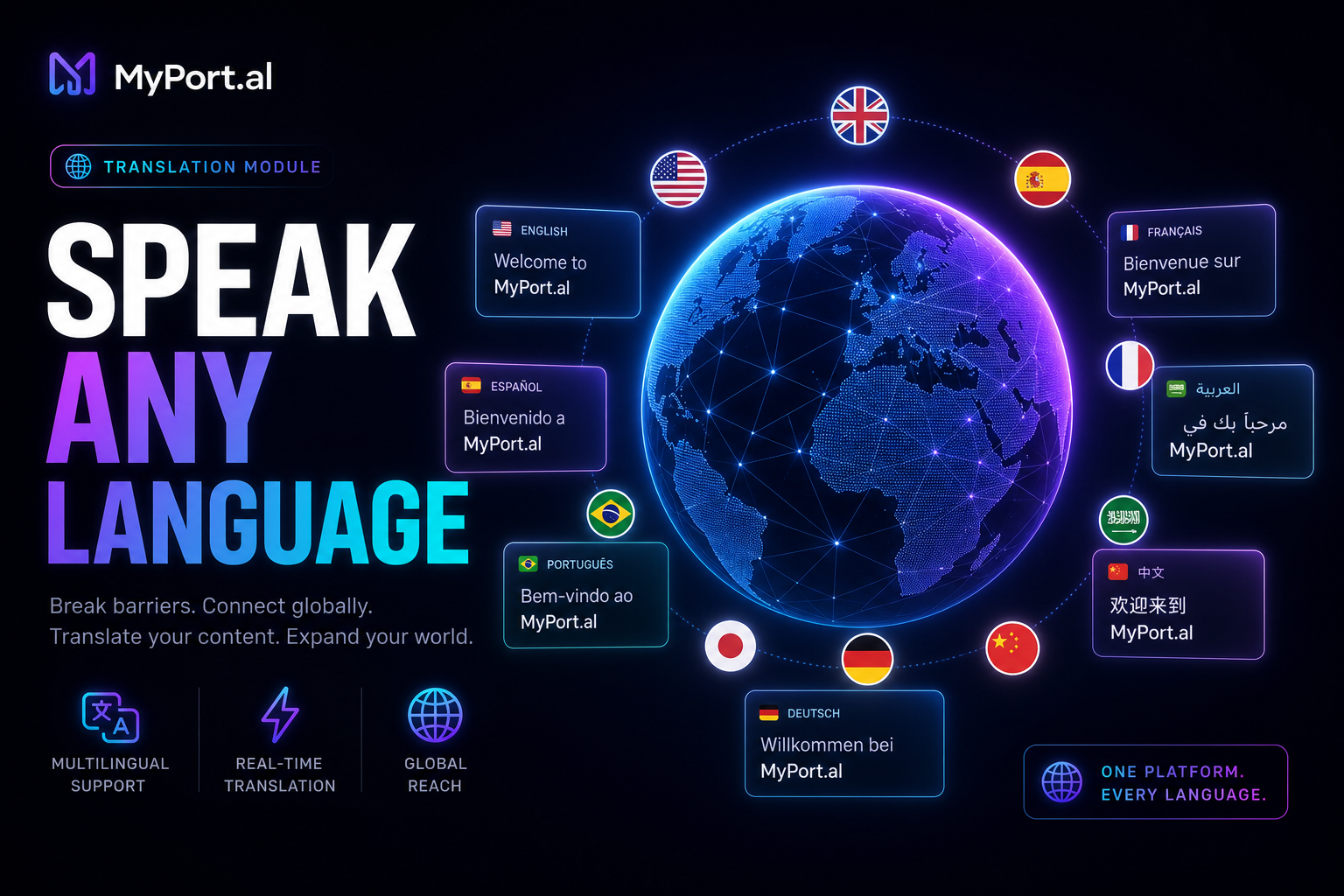
The Translation module translates text between any languages with persistent history and AI-powered accuracy. Paste or type text, pick source and target languages, and get results on your dashboard. Your translation history persists so you can reference past conversions without re-translating. No separate app, no lost context, no wondering what you translated last Tuesday.
Wednesday, 11:00 AM. An international partner sends a paragraph in French. You paste it into Translation on your dashboard, get an AI-accurate English version in seconds, and draft your reply without opening another tab. The original and translation stay in your history if legal needs to review later.
What Makes It More Than a Web Translator
This isn't a bookmark to an external site. The Translation module is built for people who work across languages daily:
- Any-language support — translate between languages worldwide, not just the popular dozen
- AI-powered accuracy — context-aware translations that handle nuance better than word-for-word engines
- Persistent history — every translation saved and searchable for reference and audit trails
- Dashboard-native workflow — translate alongside email, notes, and communication modules
- Quick copy and reuse — grab translated text and move it into notes, emails, or tasks immediately
- No context switching — stay on your board instead of juggling browser tabs
The Fun Factor
There's a quiet empowerment in never hesitating when a message arrives in another language. Your dashboard handles it. History means you build a personal phrasebook over time — common supplier terms, client greetings, technical vocabulary you look up once and find again instantly.
And when your Notes module holds project docs and Translation sits right beside it? Multilingual work stops feeling like a specialty skill and starts feeling like a normal Tuesday. Teams with members in six countries stop scheduling "translation time" as a separate step — it happens inline, on the board, in the flow of the work itself.
Who It's For
- Remote workers collaborating with international teammates across time zones and languages
- Freelancers and agencies serving clients who communicate in multiple languages
- Travelers and expats who need quick, accurate translations without app-hopping
- Researchers and students working with foreign-language sources who want history for citations
Start With Translation
Translation takes ten seconds to set up. Paste your first phrase, pick a language, and keep every conversion where your work already lives.
Preview the Translation module or add it to your dashboard — and stop letting language barriers send you to another tab.
Try the Translate app on your dashboard.