
Enhanced To-Do List: Tasks That Actually Know What Matters
AI suggestions, natural language input, priority tracking, and dual view modes — the To-Do module is task management built for a dashboard that does more than list chores.
Most to-do apps are graveyards. You add tasks with optimistic enthusiasm on Monday. By Friday, you're avoiding the app because the red overdue badges feel like personal attacks.
A task list on your dashboard is different. It's not a separate guilt trip — it's part of your operating system. You see it next to your calendar, your goals, and your morning briefing. Tasks stop being a list and start being context.
Your Tasks, Embedded in Real Life
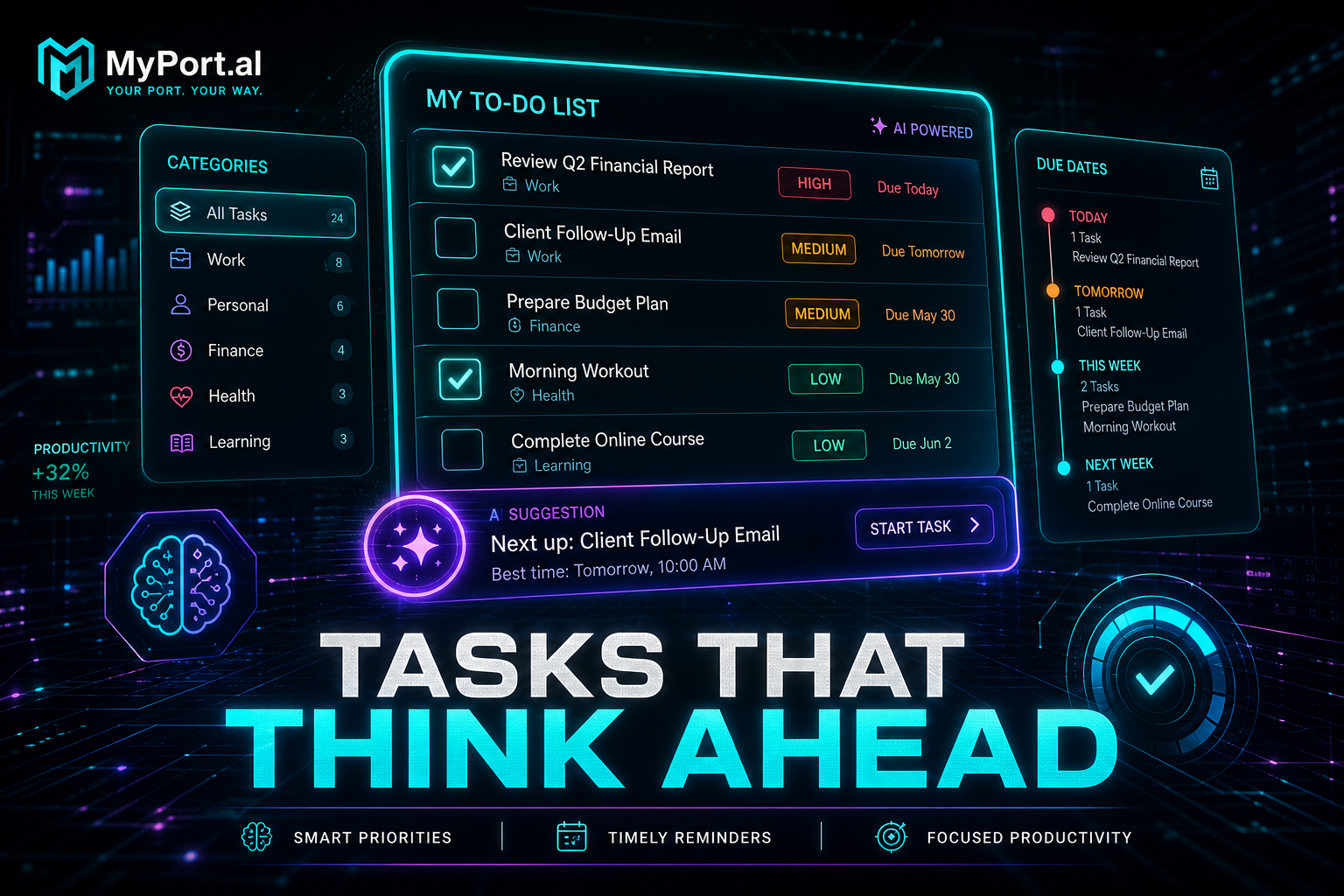
The Enhanced To-Do List module is AI-powered task management that lives where you already work. Add tasks with natural language, set priorities and categories, attach files, and switch between compact and maximized views depending on how deep you want to go.
Thursday, 9:02 AM. Your dashboard loads. Three high-priority tasks sit at the top. The calendar shows a two-hour gap before your 1 PM call. AI suggestions recommend tackling the client proposal first — it's due tomorrow and blocks two other tasks. You check it off before lunch. The notification center stays quiet because you handled it.
What Sets It Apart
- AI task suggestions — get smart recommendations on what to tackle next based on priority, due dates, and dependencies
- Natural language input — add tasks the way you'd say them: "Call dentist Friday afternoon high priority"
- Priority and category tracking — filter and group by urgency, project, or due date
- Dual view modes — compact grid for at-a-glance progress, maximized for deep task editing
- File attachments — images and documents attached directly to tasks
- Dashboard integration — other modules send task notifications with direct action links
The Fun Factor
Checking off a task and watching your dashboard's task count drop is a small dopamine hit that never gets old. Group tasks by priority and watch the "high" column shrink over the course of a productive morning. It's gamification without the cartoon badges — just the quiet satisfaction of a number going down.
And when your Start of Day module pulls incomplete tasks into your morning briefing? Your to-do list isn't a silo anymore. It's fuel for the rest of your dashboard.
Who It's For
- Knowledge workers who need priority-based task management without enterprise software bloat
- Side project builders tracking tasks across categories with attachments and due dates
- Dashboard power users who want AI suggestions instead of staring at an overwhelming list
- Anyone tired of overdue-badge anxiety who wants tasks visible but not buried in another app
Make Tasks Part of Your OS
The best task list is the one you actually see. Put it on your dashboard.
Preview the To-Do module or add it to your dashboard — and turn your task list into part of your morning ritual.
Try the To-Do List app on your dashboard.