
Sticky Notes Module: Colorful Reminders at a Glance
Create and organize colorful sticky notes for quick reminders and ideas — the fastest way to capture a thought on your dashboard.
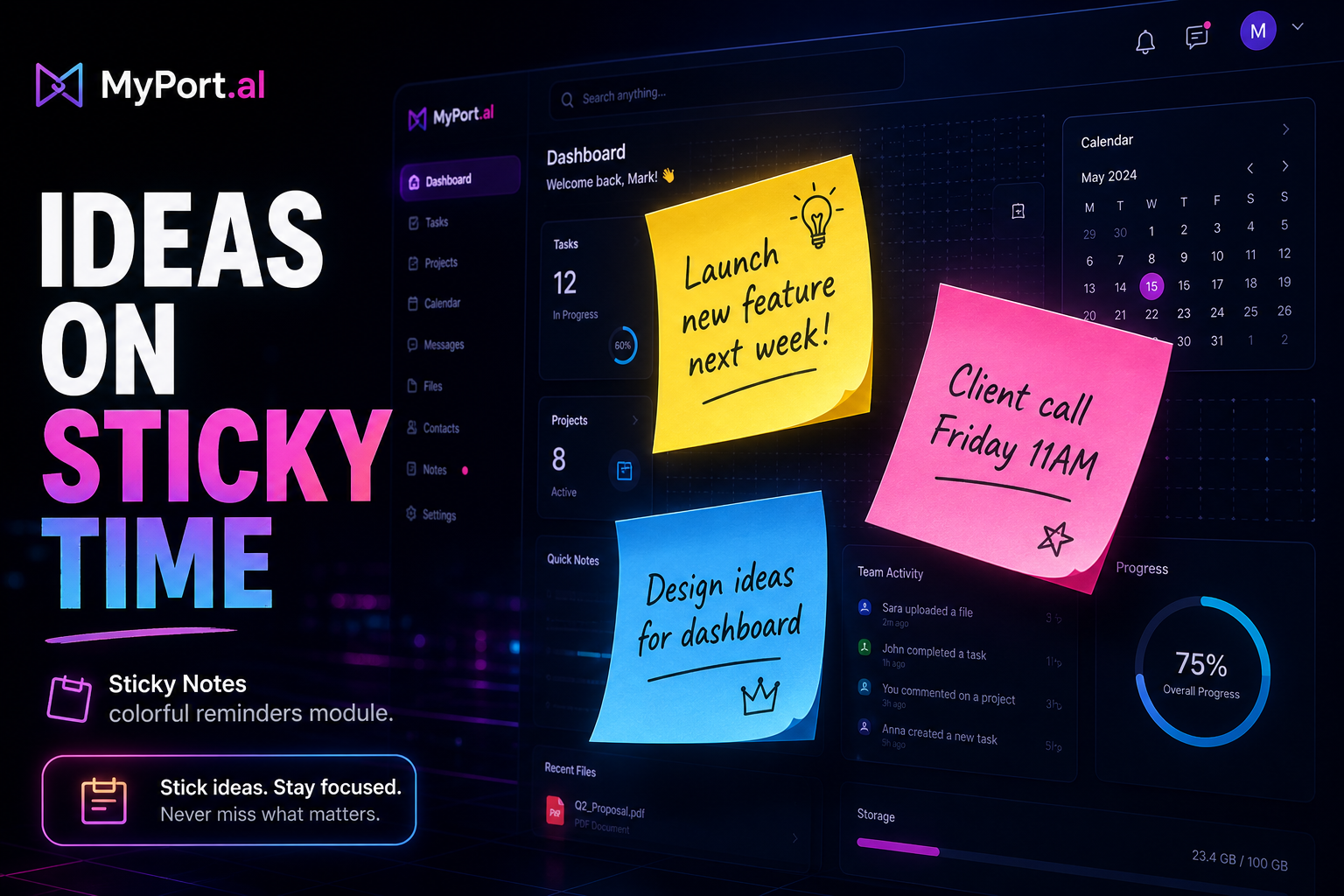
The brilliant idea hits during a video call. You can't open a full notes app without everyone seeing you context-switch. You scribble on a physical sticky note, stick it to your monitor, and forget it exists until it falls behind the desk three weeks later. The idea? Gone with the adhesive.
Quick captures need quick surfaces. A full document editor for a phone number is overkill. A lost paper square is a tragedy.
Your Reminders, Bright and Visible
The Sticky Notes module lets you create and organize colorful sticky notes for quick reminders and ideas. Pin a phone number, a deadline, a quote, or a half-formed thought to your dashboard in seconds. Color-code by urgency or topic. Glance at your board and see what matters without opening anything.
Tuesday, 2:30 PM. A client mentions a follow-up date on a call. You minimize nothing — just add a yellow sticky to your dashboard: "Follow up Henderson — April 28." It's there tomorrow morning next to your calendar and your tasks. No app to open. No sticky note to lose. Just a bright reminder in your peripheral vision all week.
What Makes It More Than a Widget
This isn't a decorative dashboard element. Sticky Notes is built for people who think in fragments:
- Quick capture — add a note in seconds without titles, folders, or formatting decisions
- Colorful organization — color-code notes by project, urgency, or personal preference
- Dashboard visibility — notes live on your board, always in sight, always one glance away
- Lightweight editing — update or dismiss notes inline without navigating to a separate screen
- Idea parking lot — capture fleeting thoughts before they evaporate, organize later in Notes if needed
- Complements heavy modules — pairs with Notes for long-form content and To-Do for actionable tasks
The Fun Factor
There's something viscerally satisfying about a dashboard sprinkled with bright squares of intent. Red for urgent. Blue for ideas. Green for done-when-you-get-a-sec. Your board starts looking like a workspace that thinks — not a grid of generic widgets.
And when a sticky note outgrows its format? Promote the thought to Notes or a To-Do task. Sticky Notes is the front door; the rest of your dashboard is the house. Some users keep a permanent green sticky with their weekly theme word. Others clear the board every Friday. The module adapts to how you think — fast capture first, structure later.
Who It's For
- Visual thinkers who need reminders in sight, not buried in an app drawer
- Call-heavy workers who capture follow-ups and numbers without breaking flow
- Dashboard customizers who want color and personality on their board
- Anyone who loses paper sticky notes and wants the same speed without the desk clutter
Start With Sticky Notes
Sticky Notes takes ten seconds to set up. Add your first note, pick a color, and give your dashboard a memory that doesn't fall behind the monitor.
Preview the Sticky Notes module or add it to your dashboard — and never lose a quick thought to a fallen sticky again.
Try the Sticky Notes app on your dashboard.