
RSS Reader Module: Your Feeds, Your Layout, Your Dashboard
Multiple feeds, eight display layouts, bookmarks, and search — the RSS Reader module brings your favorite blogs and sites to your dashboard without another aggregator app.
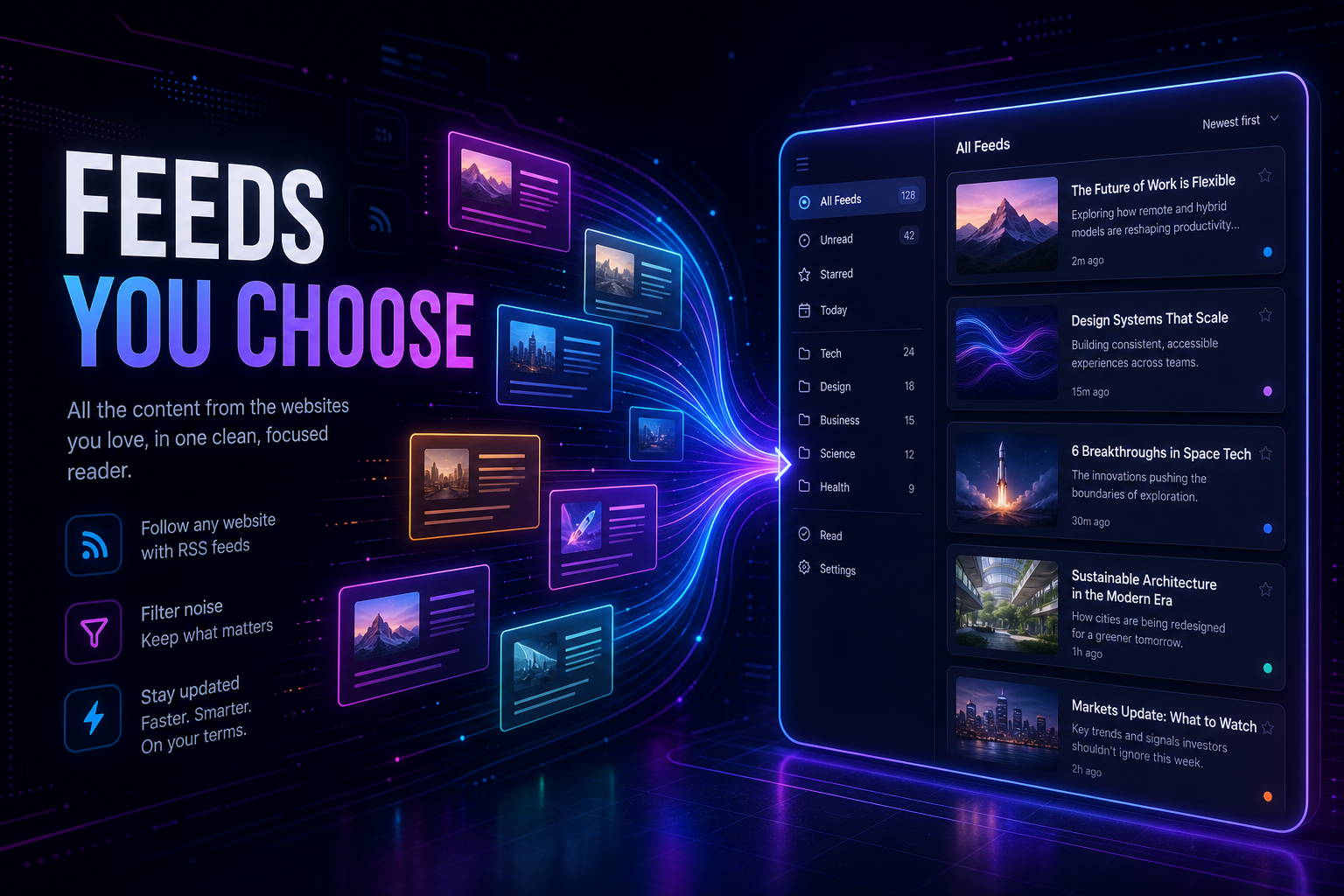
RSS never died — it just got buried under social feeds and newsletter inboxes you can't unsubscribe from fast enough. You follow twenty blogs, three substacks, and a handful of niche sites. Each one wants you to visit their homepage, see their ads, and forget why you subscribed.
So you try an RSS reader. It's fine. But it's another app, another login, another place to check that isn't connected to your calendar, your tasks, or your morning briefing.
One Glance, Every Feed You Follow
The RSS Reader module puts your favorite websites and blogs exactly where your reading habit belongs: your dashboard. Add feeds, choose from multiple display layouts, bookmark articles for later, and filter by date, search, or unread status — all in one module.
Friday, 6:30 AM. You open MyPort.al. Your RSS module loads articles from twelve feeds in a magazine layout. Three unread posts from your favorite tech blog. You bookmark one about AI tooling for later, mark two as read, and scan the rest. Your AI News module has the broad headlines. RSS has the deep cuts. Coffee still hot.
What Makes It More Than an Aggregator
This isn't a bare-bones feed list. The RSS Reader module is built for people who actually read:
- Multiple feed support — add, organize, and color-code feeds with per-feed management
- Eight display layouts — compact, comfortable, cozy, card, magazine, masonry, timeline, and gallery views
- Bookmarks — save articles for later with a dedicated bookmark view and count in the header
- Search and filters — find articles by keyword, filter by date range, and show unread only
- Read tracking — mark articles as read automatically or manually, with show/hide read toggle
- Configurable refresh — set your refresh interval and pull fresh content from the module header
The Fun Factor
Curating an RSS dashboard feels like building a personal newspaper — your sources, your layout, your pace. Switching from a compact list to a magazine layout on a slow Sunday morning changes the whole experience. Bookmarking an article and finding it later in bookmark view is the read-it-later workflow without another app.
And when your AI News module handles headlines and RSS handles depth? Your dashboard becomes a complete information stack — broad and niche, side by side.
Who It's For
- Blog readers and newsletter avoiders who prefer RSS over inbox clutter
- Researchers and hobbyists following niche feeds across multiple topics
- Visual readers who want layout options beyond a plain list
- Dashboard power users building an information hub alongside news and sports modules
Build Your Feed Stack
The RSS Reader is free, supports unlimited feeds, and remembers your layout preferences per module instance. Add your first feed and start reading.
Preview the RSS Reader module or add it to your dashboard — and reclaim RSS as part of your daily dashboard ritual.
Try the RSS Feeds app on your dashboard.