
Referrals Module: Share MyPort.al, Track Who Joins
Manage your referral link to invite others and track who you have referred — grow your network and see your impact from your dashboard.
You tell a colleague about MyPort.al over coffee. They love the idea. You send them a link — or was it the homepage? Did they sign up? You have no idea. A week later they mention they're still using scattered apps for tasks and weather. You could have helped. You just didn't have an easy way to connect the dots.
Word-of-mouth without tracking isn't generosity — it's a missed loop. You share something valuable and never know if it landed.
Your Referral Link, One Dashboard Away
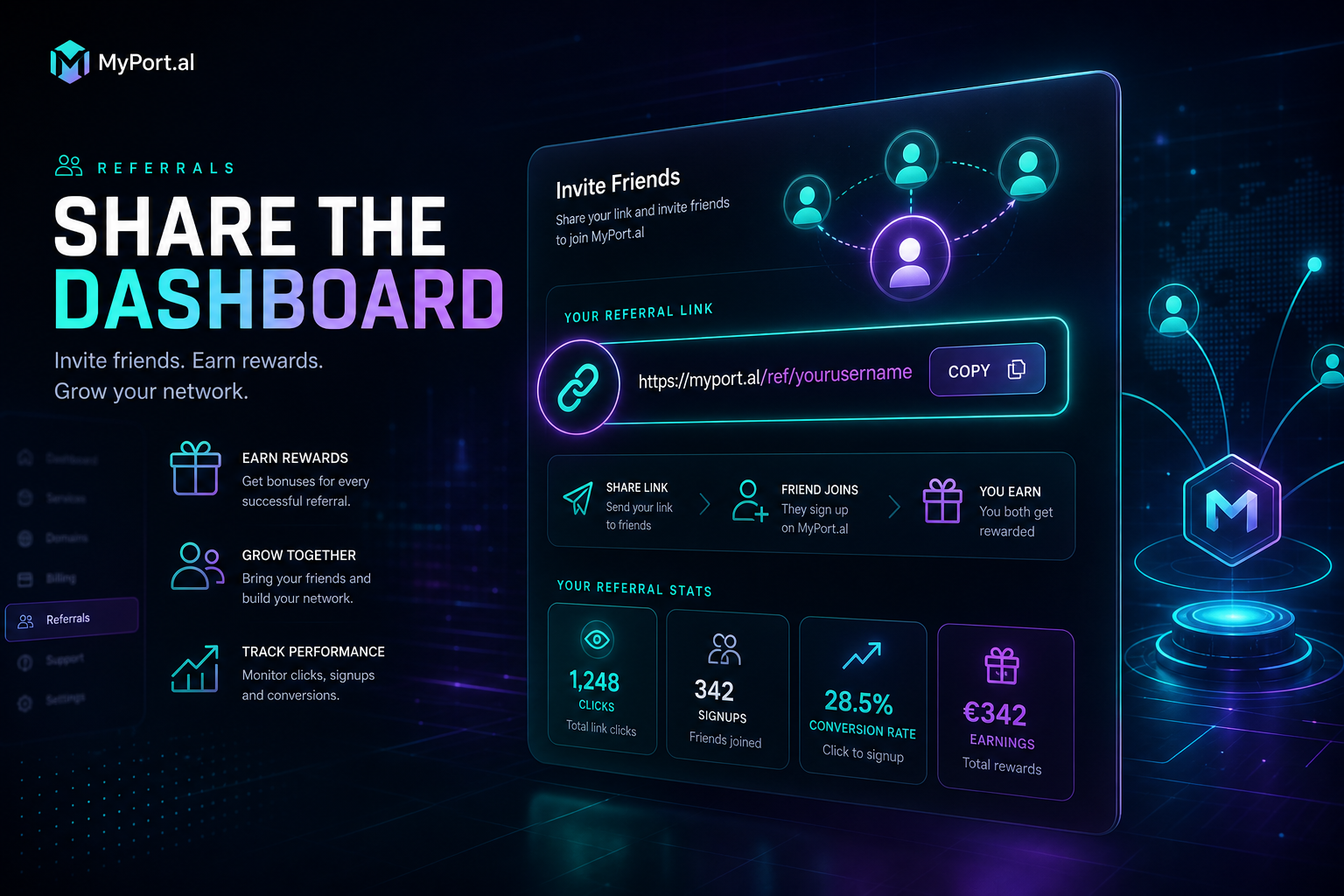
The Referrals module lets you manage your referral link to invite others and track who you have referred. Copy your personal link, share it with friends, colleagues, or your online community, and see who joined through your invitation — all without leaving your dashboard. No spreadsheets, no guessing, no "did they use my link?" anxiety.
Saturday morning. A friend texts asking what you use for your morning dashboard. You open MyPort.al, grab your referral link from the Referrals module, and paste it in the group chat. Two weeks later you check the module: three people signed up. You send a welcome note to one you didn't expect. The loop closes.
What Makes It More Than a Share Button
This isn't a generic "invite friends" popup. The Referrals module is built for people who actually evangelize tools they believe in:
- Personal referral link — a unique URL that attributes signups to you automatically
- One-click copy and share — grab your link from the dashboard and paste it anywhere
- Referral tracking — see who you've referred and when they joined
- Dashboard-native management — no separate affiliate portal or email digests to check
- Community building — help others discover a dashboard that works and see your impact grow
- Transparent attribution — know your introductions converted without awkward follow-up questions
The Fun Factor
There's a small pride in watching your referral count tick up — not because of gamification points, but because you genuinely helped people escape app chaos. Every signup is someone who'll stop checking three weather apps before coffee, who'll finally have tasks on the same screen as their calendar.
And when the people you refer start building their own dashboards and telling their networks? Your Referrals module becomes a quiet record of the community you're helping grow.
Who It's For
- Power users who've built a dashboard they genuinely want to share with friends and colleagues
- Content creators and community builders who recommend tools and want clean attribution
- Team leads introducing MyPort.al to remote teammates who need a unified workspace
- Anyone who believes in the product and wants a frictionless way to invite others and see results
Start With Referrals
Referrals takes ten seconds to set up. Copy your link, share it once, and start tracking who joins through your introduction.
Preview the Referrals module or add it to your dashboard — and turn word-of-mouth into something you can actually see.
Try the Referrals app on your dashboard.