
Notifications Module: One Inbox for Your Entire Dashboard
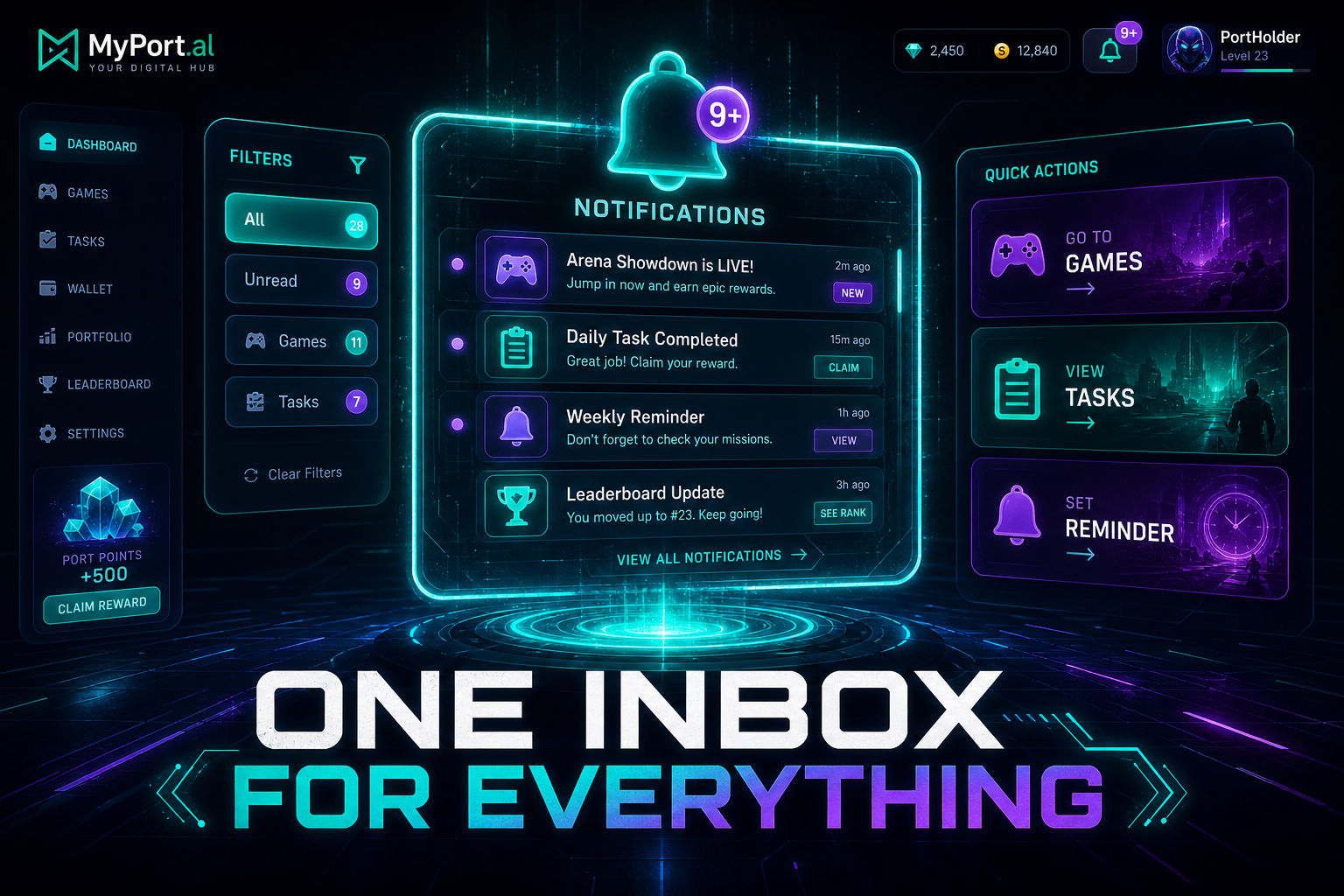
Games, tasks, reminders, and module alerts — all in one notification center with direct action links. Stop hunting for what needs your attention.
Your phone has 47 unread notifications. Four are important. The rest are apps competing for your attention like seagulls fighting over a french fry.
Now imagine every module on your dashboard — games, tasks, calendars, timers — sending alerts to one place. Not your phone lock screen. Not seventeen email threads. One inbox, on the dashboard you already have open.
Every Module, One Notification Center
The Notifications module is the universal inbox for MyPort.al. When Stacker needs your move, when a task is due, when a countdown timer finishes — it all flows here. Each notification includes a direct action link that takes you exactly where you need to go.
Friday, 2:30 PM. Your dashboard notification badge shows 3 unread. One is your turn in Stacker — click, you're in the game. One is a high-priority task due in an hour — click, you're in the task. One is a reminder from your countdown timer — click, you're back in focus mode. Three items, zero app-hopping.
Built for Action, Not Anxiety
- Universal inbox — every module can send notifications to one central place
- Direct action links — click a notification and land exactly on the relevant item
- Priority filtering — surface high-priority alerts without wading through game invites
- Category filters — view all, unread only, games, tasks, or high-priority
- Mark all read — clear the slate when you've caught up
- Real-time updates — new notifications appear as modules create them
The Fun Factor
There's a particular joy in watching your unread count hit zero. It's the dashboard equivalent of inbox zero — except instead of email from strangers, it's your life nudging you about things you actually care about.
Game notifications are especially fun: "Your turn in Stacker" hits different when it comes with a one-click path back to the table. No digging through menus. No forgetting you were mid-game. The notification is the door back in.
Who It's For
- Multiplayer game fans who need turn alerts without living inside each game module
- Task-driven users who want due-date reminders with one-click access to the task
- Dashboard builders running 10+ modules who need one place to see what demands attention
- Anyone exhausted by phone notification noise who wants alerts scoped to their actual life OS
The Hub That Connects Everything
Notifications is the glue between modules. Without it, your dashboard is a collection of widgets. With it, your dashboard is a system that talks to you.
Preview the Notifications module or add it to your dashboard — and give every module a voice.
Try the Notifications app on your dashboard.