
Notes Module: Rich Text That Lives Where You Work
Create and organize rich text notes with tags, categories, and advanced search. Statistics, achievements, and export — all on your dashboard, not buried in another app.
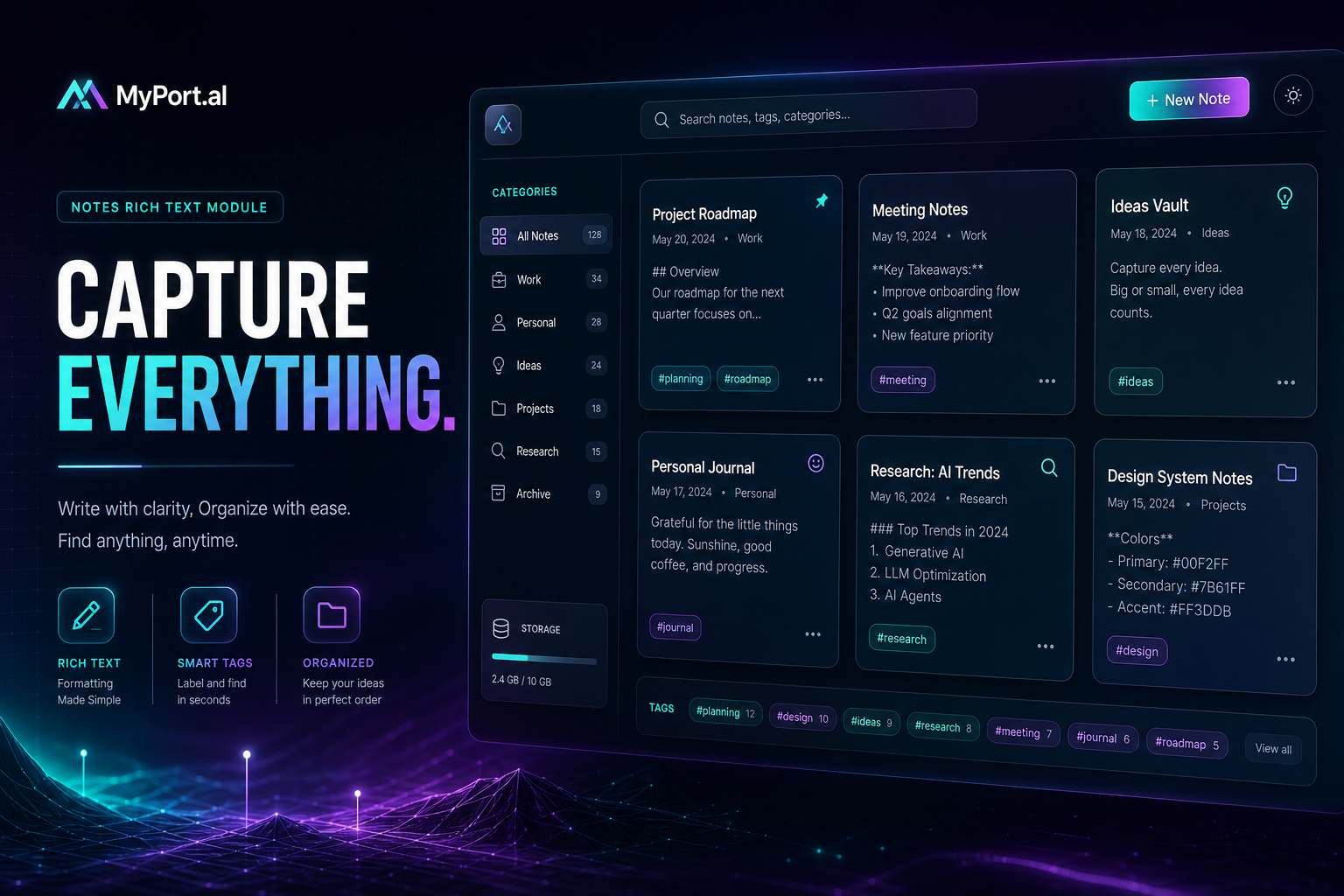
You have ideas everywhere. A meeting insight in your phone's default notes app. A project outline in a Google Doc you forgot the link to. A half-finished brainstorm in a text file on your desktop. When you need that thought again, you spend five minutes searching instead of five seconds remembering.
Notes scattered across apps aren't a filing problem — they're a context problem. The thought you captured at 2 PM doesn't help at 9 AM if it's not where your day begins.
Your Ideas, One Search Away
The Notes module puts rich text note-taking exactly where the rest of your life already lives: your dashboard. Create and organize notes with tags, categories, and advanced search. Track statistics, unlock achievements, and export when you need to share or archive. No separate login, no tab-switching, no wondering which app held that brilliant line from last Tuesday.
Wednesday, 10:15 AM. You're prepping for a client call. You open MyPort.al and type a few keywords into Notes search — "Q2 pricing" — and there it is: the bullet list you drafted after last month's review, tagged and categorized. You copy a paragraph into your email draft and move on. Total time: twelve seconds.
What Makes It More Than a Notepad
This isn't a stripped-down text box. The Notes module is built for people who actually reference what they write:
- Rich text editing — format notes with headings, lists, and emphasis so they stay readable months later
- Tags and categories — organize by project, client, personal, or whatever structure fits your brain
- Advanced search — find notes by title, body, tag, or category without scrolling through a graveyard of untitled entries
- Statistics and achievements — streaks and milestones reward consistent capture, turning note-taking into a habit
- Export capabilities — pull notes out when you need them in email, reports, or external tools
- Dashboard-native refresh — sync and reload from the module header like every other module on your board
The Fun Factor
There's a quiet confidence that comes from never saying "I know I wrote that down somewhere." When your meeting notes sit next to your calendar and your to-do list, connections happen naturally. A task reminds you of a note. A note sparks a new task. That's the cross-module magic of a unified dashboard — and Notes is the memory layer that makes it work.
Power users start treating their Notes module like a personal wiki: project folders via categories, quick-capture tags for fleeting ideas, and search as the primary navigation. It stops feeling like "note-taking" and starts feeling like thinking in public with yourself.
Who It's For
- Knowledge workers who capture meeting takeaways, project specs, and reference material daily
- Creators and writers who need searchable drafts and idea banks without leaving their workflow
- Students and lifelong learners organizing lecture notes, research, and study guides by topic
- Dashboard builders who want a durable memory layer alongside tasks, calendar, and goals
Start With Notes
Notes is free, takes a minute to set up, and instantly makes your dashboard smarter. Create your first note, add a tag, and never lose a thought to the wrong app again.
Preview the Notes module or add it to your dashboard — and give every idea a home you can actually find.
Try the Notes app on your dashboard.