
Music Player: Spotify or YouTube on Your Dashboard
Play music from Spotify or YouTube inside MyPort.al — search, queue, and control playback without leaving your dashboard.
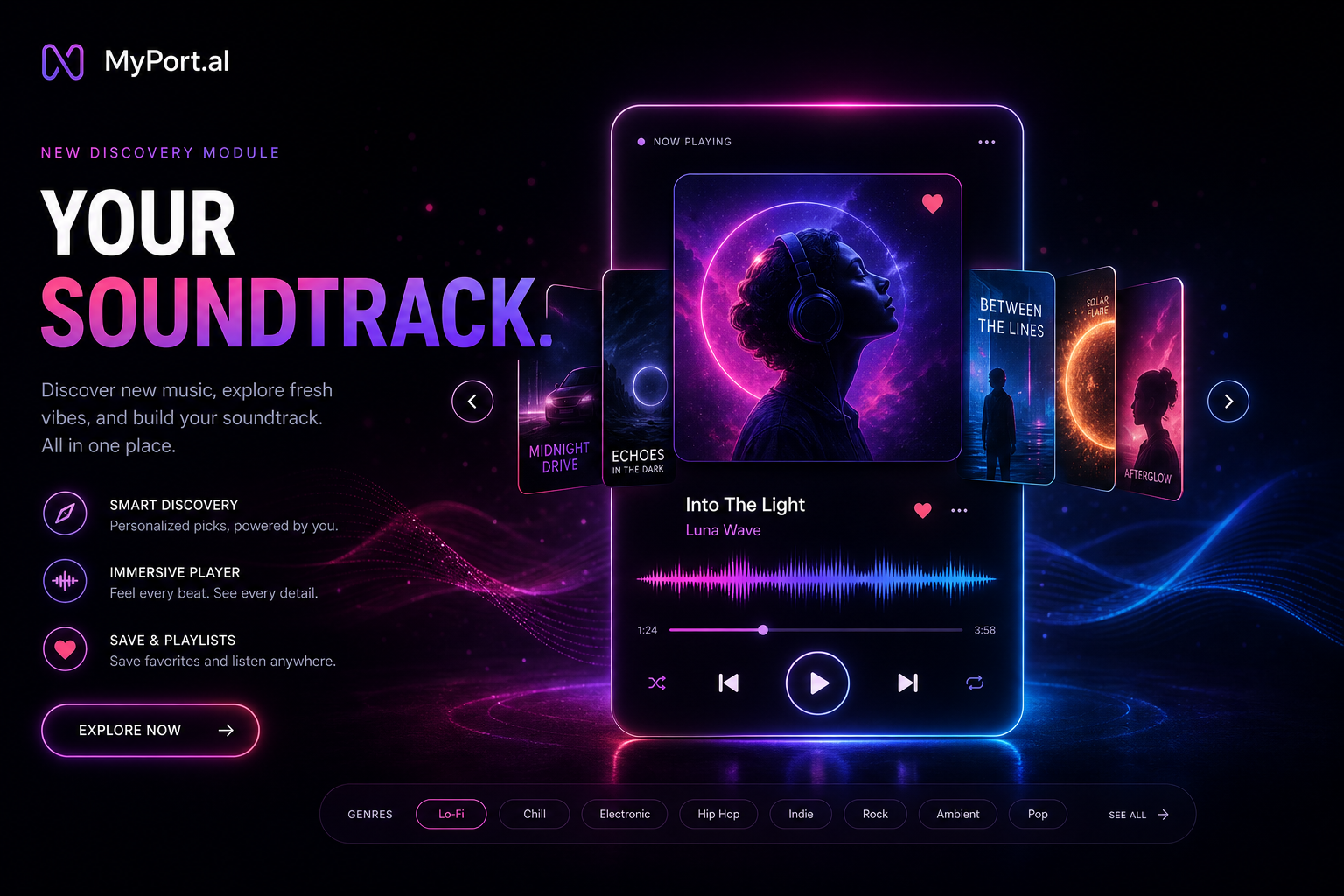
You're deep in a project. You need focus music — something instrumental, not too familiar, not too distracting. So you open a streaming app, lose the tab you were working in, scroll for ten minutes, and forget what you were building.
The Music Player module keeps your soundtrack on the same screen as everything else.
Your Soundtrack, Embedded in Your Day
Choose Spotify or YouTube when you set up the app (you can switch later in Settings). Play tracks, build a queue, and control playback without leaving MyPort.al. Grid view gives you transport controls at a glance; maximize for search, library browsing, and fuller controls.
Tuesday, 2:05 PM. Deep work block starts. You open your dashboard, hit play on a focus track from the Music module, and leave it running in the corner. No app switching, no lost context.
What You Can Do
- Spotify — connect your account for playlists, devices, and Premium playback control
- YouTube — search music videos and play them in-dashboard via YouTube (no separate YouTube login)
- In-dashboard controls — play, pause, skip, and adjust volume
- Search and queue — find tracks and keep a listening session going
- Grid and maximized views — compact player on your board, fuller browsing when expanded
- Switch anytime — change providers in Music settings when you want
The Fun Factor
The right song at the right moment changes how a work session feels. Music on your dashboard means that moment is always one click away — not buried behind a dock icon and a login screen.
And when you're pairing music with other modules — a countdown timer for a sprint, a journal entry after a long day — everything stays in one place.
Who It's For
- Remote workers and creators who need background music without tab-hopping
- Spotify listeners who want device and playlist control on the board
- YouTube listeners who prefer search-and-play without another app
- Anyone tired of losing focus every time they hunt for the perfect track elsewhere
Start With Music
Add the Music Player module, pick Spotify or YouTube during setup, and your dashboard sounds different immediately.
Preview the Music module or add it to your dashboard — and keep your soundtrack where your work already lives.
Try the Music app on your dashboard.