
Meal Planner Module: What's for Dinner, Solved
Plan weekly meals with recipes and ingredients — add ingredients directly to your shopping list from your dashboard.
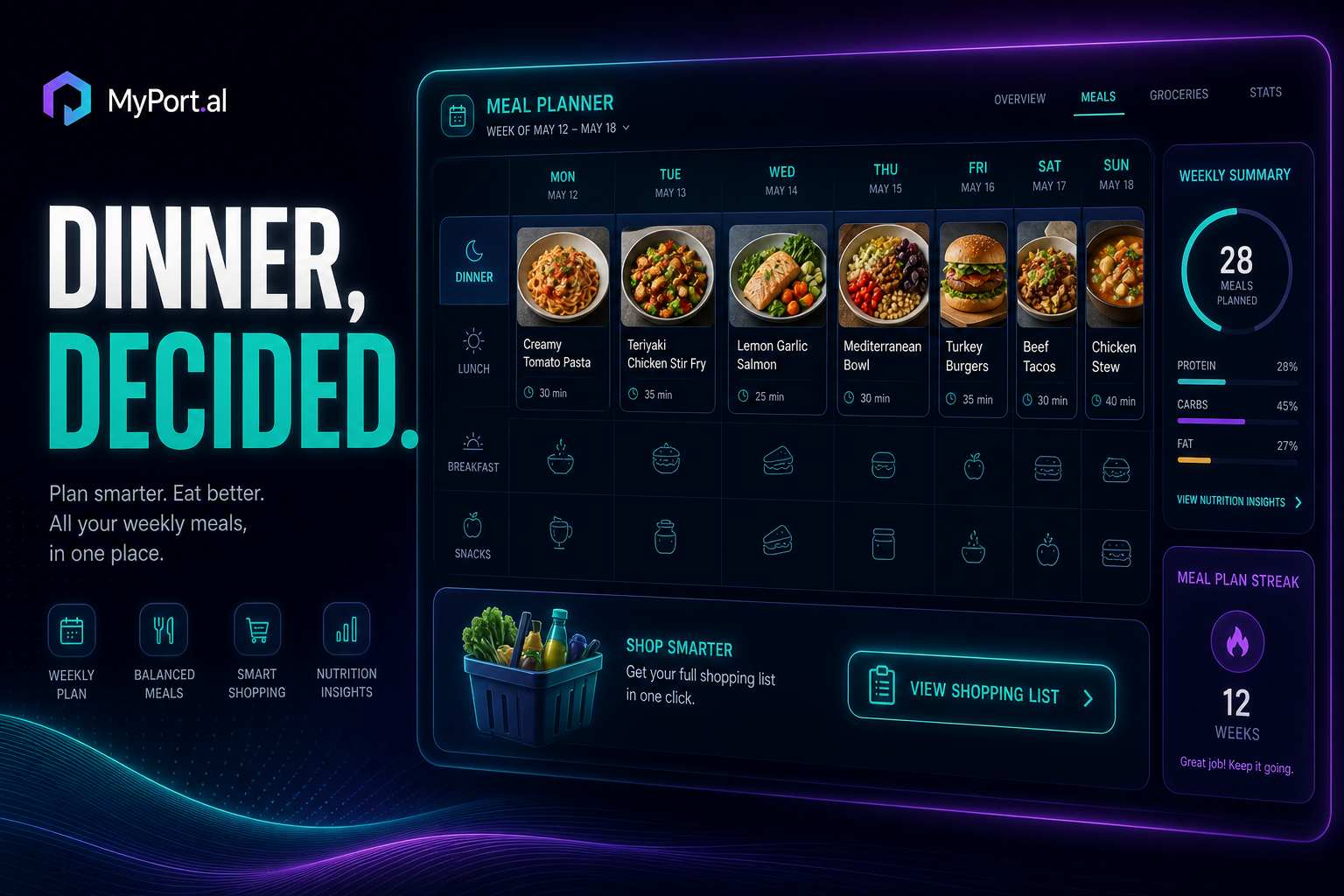
It's 5:30 PM. Someone asks "what's for dinner?" You open the fridge. You close the fridge. You open it again, as if new ingredients magically appeared since thirty seconds ago. You could order takeout — again — or you could have answered this question at 9 AM when you still had energy to think about food.
Meal planning fails when it lives in a Pinterest board you'll never reopen or a notes app listing recipes without ingredients. It succeeds when it's on the same dashboard as your shopping list, your calendar, and your weekly routine.
Your Week of Meals, Planned
The Meal Planner module lets you plan weekly meals with recipes and ingredients. Assign dishes to days, see what you're cooking at a glance, and add ingredients directly to your Lists (shopping list) module — no copy-pasting, no forgotten items at the store. Pair it with the Recipes module for AI-powered recipe storage and generation when you want to expand your rotation.
Sunday, 11:00 AM. You open MyPort.al for weekly planning. Meal Planner shows Monday through Friday mapped out: taco bowls, sheet pan salmon, pasta primavera, leftover night, stir fry. You tap "Add ingredients to shopping list" for the week — 23 items flow into your Lists module, organized by store. One grocery run, five dinners handled. The "what's for dinner?" question is dead for the week.
What Makes It More Than a Recipe Bookmark
This isn't a folder of links you'll never cook. The Meal Planner module is built for people who want food planning integrated into daily life:
- Weekly meal planning — assign recipes to days and see your whole week at a glance
- Recipe and ingredient tracking — know what each meal requires before you start cooking
- Direct shopping list integration — send ingredients to your Lists module with one action
- Dashboard-native planning — compact grid for the week overview, maximized for detailed editing
- Recipes module synergy — store favorites and use AI generation for new ideas
- Repeatable weekly rhythm — build a rotation that reduces decision fatigue every evening
The Fun Factor
There's a calm that comes from knowing dinner is decided before noon. No more 5:30 PM fridge stares. No more "I forgot to buy garlic" mid-recipe. Adding a week of ingredients to your shopping list in one tap feels like cheating — the good kind.
When your Lists module shows everything organized by store and your Meal Planner has Thursday marked "leftover night" because you planned a double batch on Wednesday? You're not just cooking — you're running a household system. And when the Recipes module suggests a new dish and you slot it into next Tuesday? That's dashboard meal planning at its best.
Who It's For
- Busy parents and partners tired of the nightly "what's for dinner?" negotiation
- Budget-conscious cooks who want one grocery trip to cover the whole week
- Lists module users who want ingredients flowing directly into their shopping list
- Anyone who's ever ordered takeout because meal planning lived in the wrong app
Start Planning This Week
Pick five meals you already know how to make. Assign them to days, send ingredients to your shopping list, and reclaim your evenings from the fridge-stare ritual.
Preview the Meal Planner module or add it to your dashboard — and answer "what's for dinner?" before anyone asks.
Try the Meal Planner app on your dashboard.