
Game Center: Your Dashboard Arcade, One Tile Away
Diceman, Sudoku, Klondike, Trivia, Reversi, and more — the Game Center module aggregates every mini-game on your board into one stats-and-achievements hub.
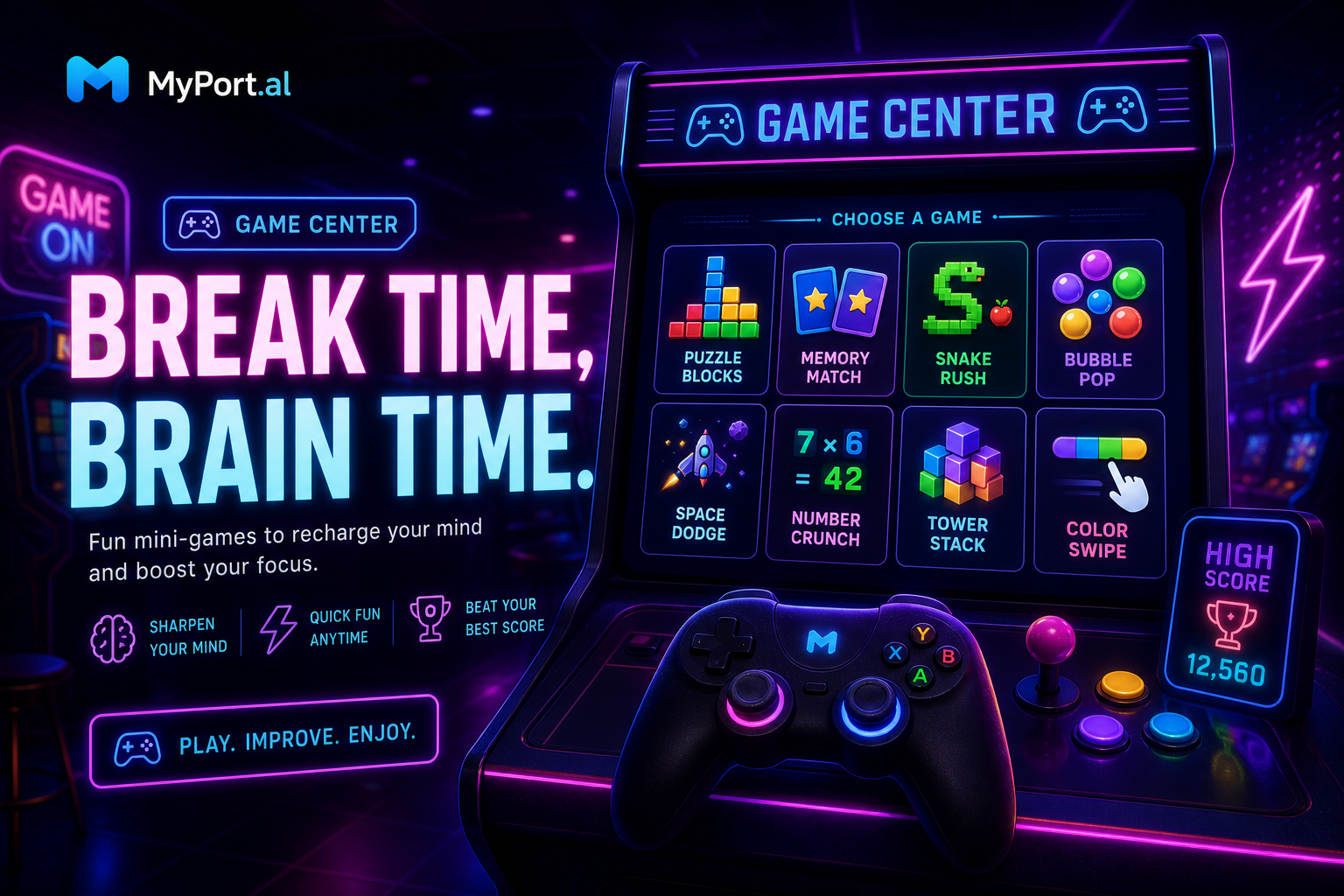
You have a five-minute gap between meetings. You could doom-scroll. You could open a standalone game app, lose twenty minutes, and forget why you picked up your phone. Or you could glance at your dashboard, see your Sudoku streak, notice you're one achievement away on Klondike, and play something that actually fits the moment.
The Game Center module is MyPort.al's command center for play — not a game itself, but the place where every game you've added to your dashboard reports back.
Every Score, Every Streak, One Screen
Game Center pulls statistics and achievements from the mini-games across your board: Diceman high scores, Sudoku completion rates, Stacker wins, Words streaks, 2048 personal bests, Klondike win rates, Trivia accuracy, Reversi victories against the AI, and more. Drag tiles to reorder what matters most. Expand in focus mode for collapsible stat panels per game.
Wednesday, 3:14 PM. You open MyPort.al between calls. Game Center shows your Diceman high score from last weekend, a Klondike win rate trending up, and a locked Reversi achievement you're two wins from unlocking. You tap into Sudoku for a quick puzzle instead of opening another app. Five minutes later you're back to work — with progress that persists.
What Makes It More Than a Launcher
This isn't a generic games folder. Game Center is built for dashboard-native play:
- Cross-game statistics — see performance across every game module you've installed, without hunting through each one
- Achievement tracking — monitor unlocked and locked badges for Klondike, Trivia, Reversi, 2048, and more from a single tab
- Customizable tile order — drag and drop game stat cards so your favorites sit at the top
- Grid and maximized views — compact glance on your board, full stat breakdowns when you expand
- Persistent progress — every underlying game saves to your account; Game Center is the readout, not a reset button
- Dashboard refresh — hit refresh from the module header like every other module on your board
The Fun Factor
There's a quiet thrill in watching your personal leaderboard evolve. Game Center turns scattered high scores into a narrative: you got better at Sudoku this month, your Stacker win rate climbed, you're closing in on a Trivia perfect score. It's the difference between playing games and knowing you're improving — without spreadsheets or screenshots.
And when you add a new game module to your dashboard? Game Center picks it up automatically. Your arcade grows with you.
Who It's For
- Dashboard gamers who run multiple game modules and want one place to track progress
- Achievement hunters chasing badges across Klondike, Trivia, Reversi, and beyond
- Break-time players who want a five-minute distraction without leaving their productivity hub
- Families and roommates comparing stats on shared dashboards without juggling separate apps
Start With Game Center
Game Center is free, works best alongside the game modules you already love, and takes seconds to add. Install Diceman, Sudoku, or Klondike first — then let Game Center show you the full picture.
Preview the Game Center module or add it to your dashboard — and turn your dashboard into the arcade you actually check.
Try the Games app on your dashboard.