
Flashcards Module: Study Smarter, Not Harder
Spaced repetition with AI generation, multiple study modes, import/export, and shareable decks — flashcards built for your dashboard and your brain.
You downloaded a flashcard app. You imported your deck. You studied for three days, felt great, then life happened and now the app sends you guilt-trip notifications about cards "due for review" while you haven't opened it in two weeks.
The problem isn't motivation — it's friction. Study tools that live in separate apps compete with everything else on your phone. They don't sit next to your tasks, your focus timer, and your daily goals. They become another thing to forget.
Spaced Repetition Where You Already Work
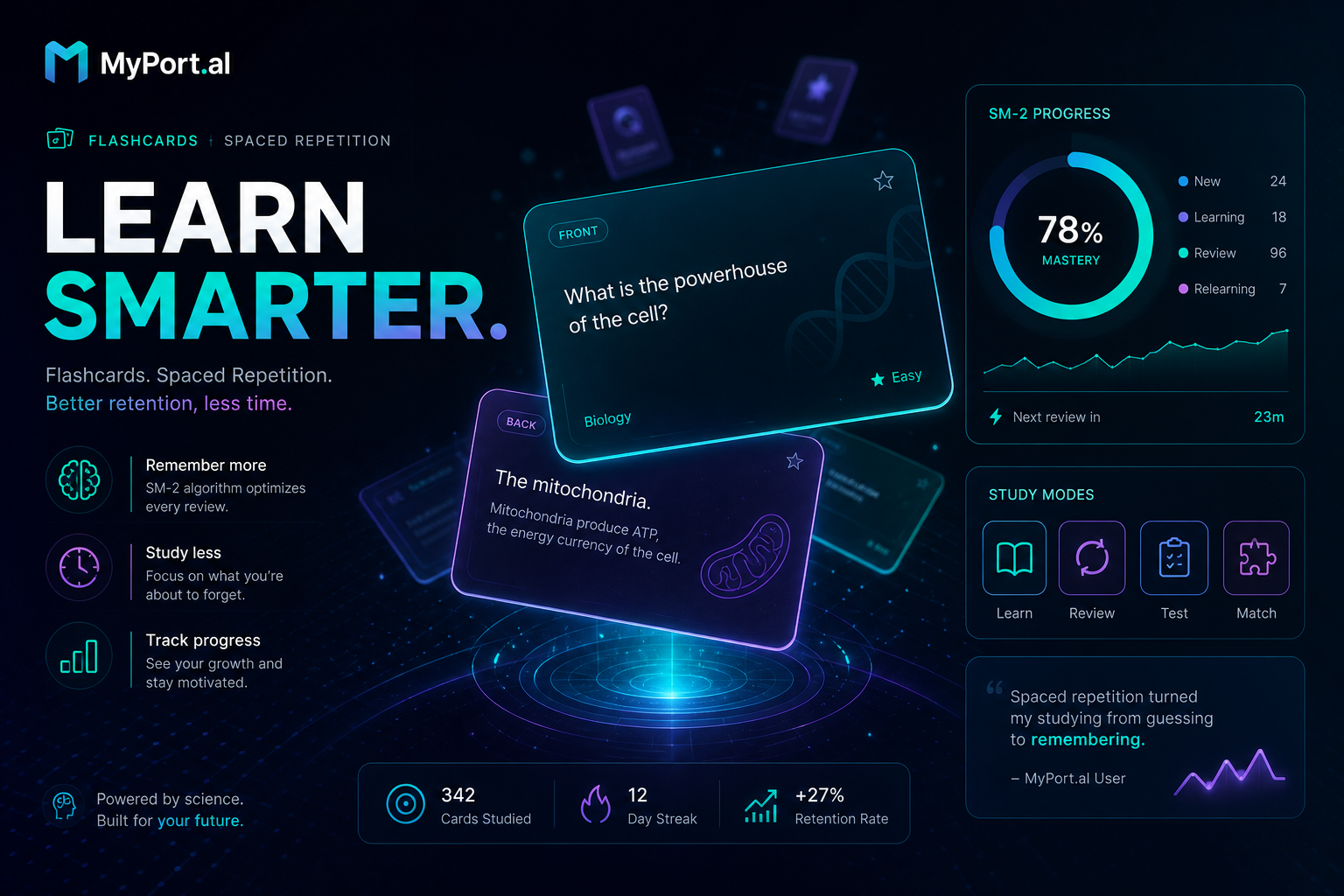
The Flashcards module brings SM-2 spaced repetition to your dashboard. Create decks manually, generate cards with AI, or import from CSV, TSV, Quizlet, Anki, JSON, or Markdown. Study with multiple-choice or type-the-answer modes. AI explain and AI typed-answer grading help you learn, not just memorize. Per-deck daily caps keep sessions manageable.
Wednesday, 6:30 PM. You finish dinner and open MyPort.al. Your Spanish deck shows 18 cards due today — capped at 20 so you don't burn out. You run a type-the-answer session; AI grades your response to "How do you say 'library'?" and explains why "biblioteca" fits. Fifteen minutes later, the due count drops to zero. You didn't open a separate app or lose your streak to notification fatigue.
What Makes It More Than Digital Index Cards
This isn't a basic flip-card widget. The Flashcards module is built for serious learners and casual studiers alike:
- SM-2 spaced repetition — review cards at optimal intervals so knowledge actually sticks
- AI card generation — build decks from topics, notes, or pasted content in seconds
- AI explain and typed-answer grading — understand answers, not just recognize them
- Multiple study modes — multiple-choice and type-the-answer for different learning styles
- Import from everywhere — CSV, TSV, Quizlet, Anki, JSON, and Markdown support
- Fork-style sharing and image cards — share decks with others and add visual memory cues
- Per-deck daily caps and tags — stay consistent without marathon sessions
The Fun Factor
There's a genuine rush when a card you missed three times finally clicks and the algorithm pushes it out weeks ahead. Daily caps turn studying from an overwhelming backlog into a finite ritual — "just twenty cards" — that pairs perfectly with the Countdown Timer module's focus presets.
Importing your old Quizlet deck and watching it come alive with spaced repetition feels like upgrading from a filing cabinet to a personal tutor. And when AI generates a deck from your meeting notes? That's the kind of dashboard superpower that makes learning feel effortless.
Who It's For
- Language learners building vocabulary with typed-answer practice and AI explanations
- Students and certification preppers importing Anki or Quizlet decks without platform lock-in
- Professionals turning meeting notes and documentation into reviewable knowledge
- Lifelong learners who want study sessions embedded in their daily dashboard routine
Start Studying on Your Dashboard
The best flashcard habit is the one you actually maintain. Create or import a deck, set a daily cap, and run your first session — right next to the rest of your life.
Preview the Flashcards module or add it to your dashboard — and make spaced repetition part of your daily board.
Try the Flashcards app on your dashboard.