
Financial Tracker Module: Stocks Without the Tab Chaos
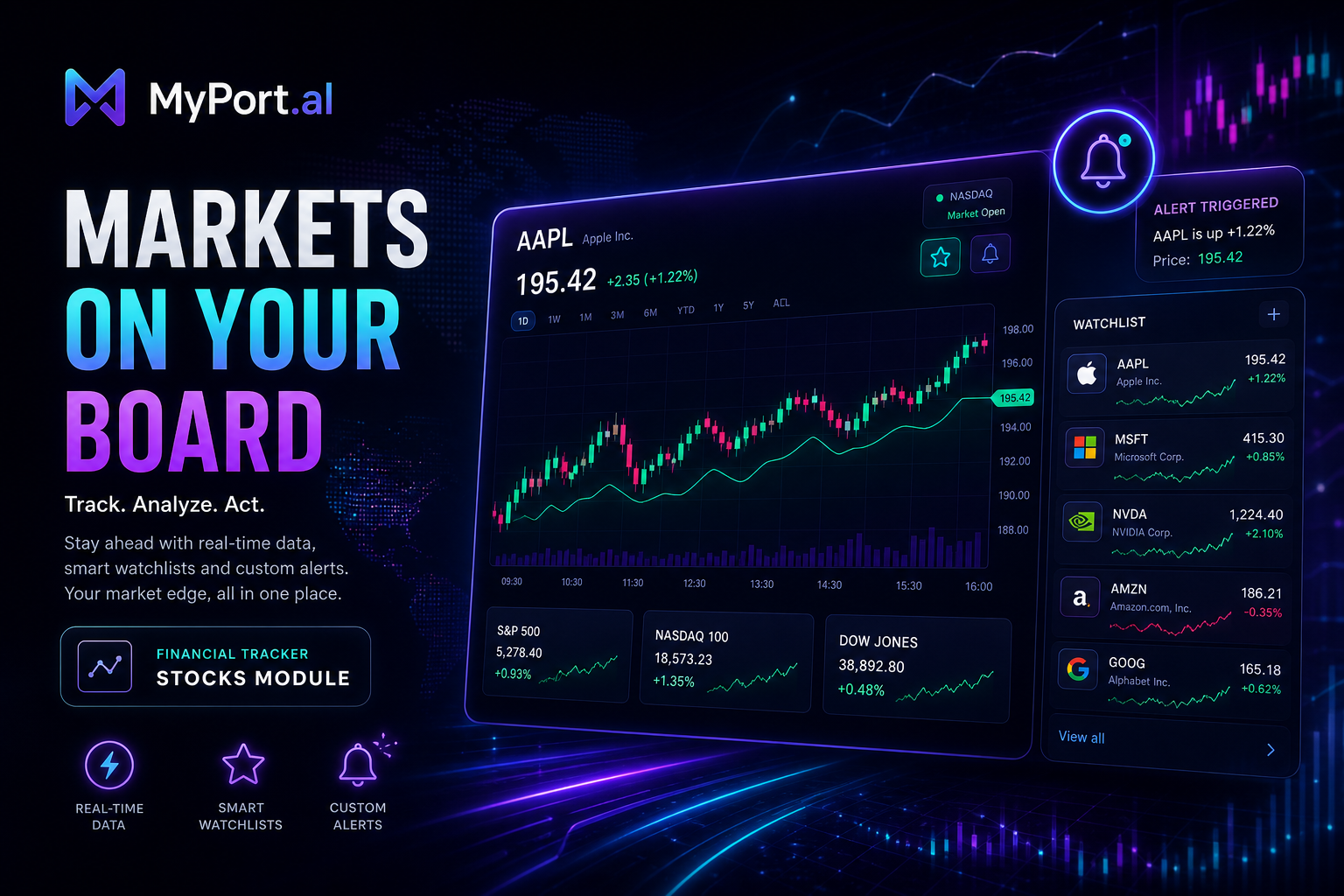
Watchlists, portfolio tracking, historical charts, and transaction logging — the Financial Tracker module puts your investments on your dashboard with the depth of a finance app and the simplicity of a widget.
Markets open before you do. Your portfolio moves while you're in meetings. By the time you remember to check, you're opening Yahoo Finance in a new tab, then your brokerage, then maybe a spreadsheet you haven't updated in three weeks.
Four sources, four interfaces, zero confidence that any of them agree. And you still haven't poured your coffee.
One Glance, Every Position That Matters
The Financial Tracker module puts stock prices, watchlists, and portfolio performance exactly where your morning routine begins: your dashboard. Add tickers to a watchlist, log buy and sell transactions, and drill into historical charts without leaving the page you're already on.
Monday, 8:05 AM. You open MyPort.al. AAPL is up pre-market. Your watchlist shows five holdings with daily change badges. You tap into a stock detail view — price chart, key stats, recent movement — then check your portfolio tab for total value and gain/loss since your last log. Decision made in thirty seconds. Back to your day.
What Makes It More Than a Stock Widget
This isn't a single-ticker readout. The Financial Tracker module is built for people who actually manage investments:
- Custom watchlists — track the stocks you care about, reorder by drag-and-drop, and keep your list current
- Portfolio management — log transactions, track cost basis, and see unrealized gains and losses across holdings
- Historical charts — interactive price charts with area and line views for trend analysis
- Stock search — find tickers by company name or symbol and add them instantly
- Transaction history — full trade log with edit, delete, and CSV import for bulk entries
- Detailed stock modal — Yahoo Finance-style deep dive on any ticker from your watchlist
The Fun Factor
There's a particular satisfaction in watching your portfolio total update after logging a buy — and knowing the math is right because you entered the transaction yourself. Watchlists turn market noise into a personal feed. Green badges on a green morning feel earned.
And when your Crypto Tracker module sits beside Financial on the same dashboard? Traditional and digital assets in one morning ritual. That's what a unified financial dashboard is supposed to feel like.
Who It's For
- Individual investors tracking a personal portfolio without Bloomberg terminal complexity
- Watchlist builders monitoring stocks before committing to a position
- Dashboard power users who want market data visible without opening another app
- Multi-asset trackers pairing stocks with the Crypto Tracker for a complete picture
Start With Your Watchlist
The Financial Tracker is free to set up, supports multiple watchlists and portfolios, and refreshes from the module header like every other module on your board.
Preview the Financial Tracker module or add it to your dashboard — and make your portfolio part of your morning briefing.
Try the Financial app on your dashboard.