
Email: Your Gmail Inbox on the Dashboard
Connect Gmail to read, reply, and manage mail from MyPort.al — with filters that help surface important messages alongside your calendar and tasks.
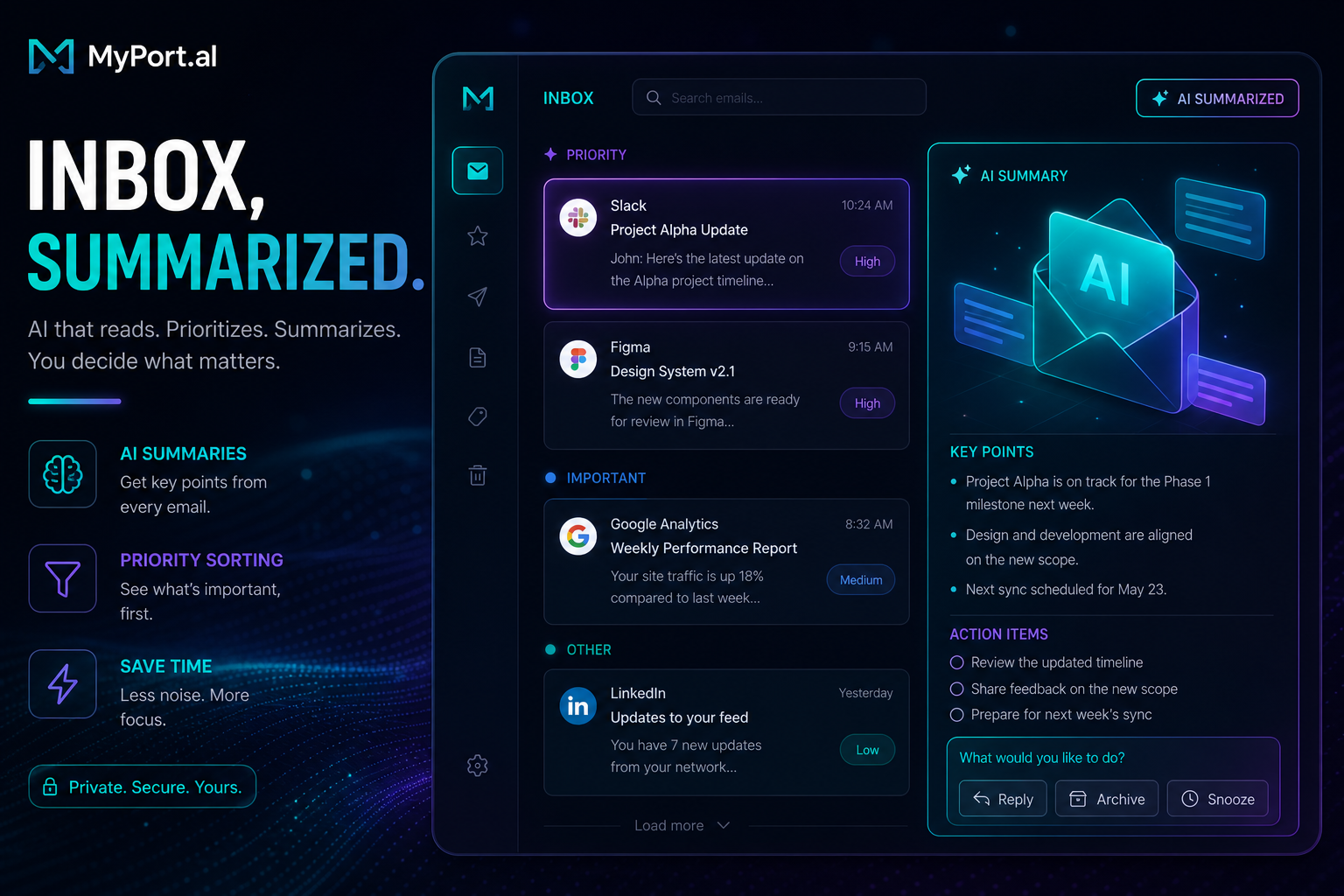
Forty-seven unread emails. Twelve are newsletters you'll never read. Three are "following up on my last email" messages from people you don't remember. One is actually urgent — your kid's school needs a form signed today — but it's buried under a promotional thread about a sale that ended yesterday.
Opening your inbox first thing in the morning is like playing email roulette. You either spend forty minutes triaging or you cherry-pick three messages and hope nothing important slipped through. Neither option fits a dashboard designed to show you what matters in seconds.
Inbox Awareness Without Another Tab
The Email module brings your Gmail inbox onto the dashboard. Connect with Google, refresh from the module header, and handle real mail where you already plan your day — next to calendar and tasks.
Monday, 8:05 AM. Your dashboard loads. The Email module shows recent messages with quick filters for important or starred mail. You open the school form thread, reply in place, and mark it done before your 9 AM standup — without bouncing to a separate mail tab.
What It Does Today
This is a Gmail client built for the dashboard — not an AI digest (yet):
- Gmail connect — OAuth link to your Google account
- Read and manage — open threads, mark read/unread, trash
- Reply and compose — answer and send without leaving MyPort.al
- Important-mail filters — use Gmail labels and heuristics to focus what matters
- Grid and maximized views — scan in grid mode, dig deeper when expanded
- Pairs with your day — sits beside Calendar, To-Do, and Start of Day when you're on Pro
What's Coming Later
AI inbox summaries and smarter priority sorting are on the roadmap. Until then, Email stays a straightforward Gmail surface so you can stay on top of messages without the hype.
Who It's For
- Busy professionals who want inbox access without a separate mail ritual
- Parents and caregivers who can't miss school or medical emails in the noise
- Freelancers and consultants juggling client threads across projects
- Dashboard power users building a morning board that includes mail, calendar, and tasks
Start With Gmail on Your Board
Connect Gmail, keep important threads in view, and handle mail where your day already lives.
Preview the Email module or add it to your dashboard — and stop treating your inbox as a separate universe.
Try the Email app on your dashboard.