
Countdown Timer Module: Focus Sessions That Stay on Your Dashboard
Customizable countdown timer with presets, sound alerts, and notification support — built for productivity and focus sessions without leaving your board.
You sit down to work. You tell yourself "just twenty-five minutes." Then you pull out your phone to set a timer, see three notifications, answer a text, and forget why you opened the timer app in the first place.
Sound familiar? Focus tools fail when they live on the device that's designed to distract you. What you need is a timer embedded in the workspace you're already looking at — not another app competing for your attention.
Time on Your Terms, Right on Your Board
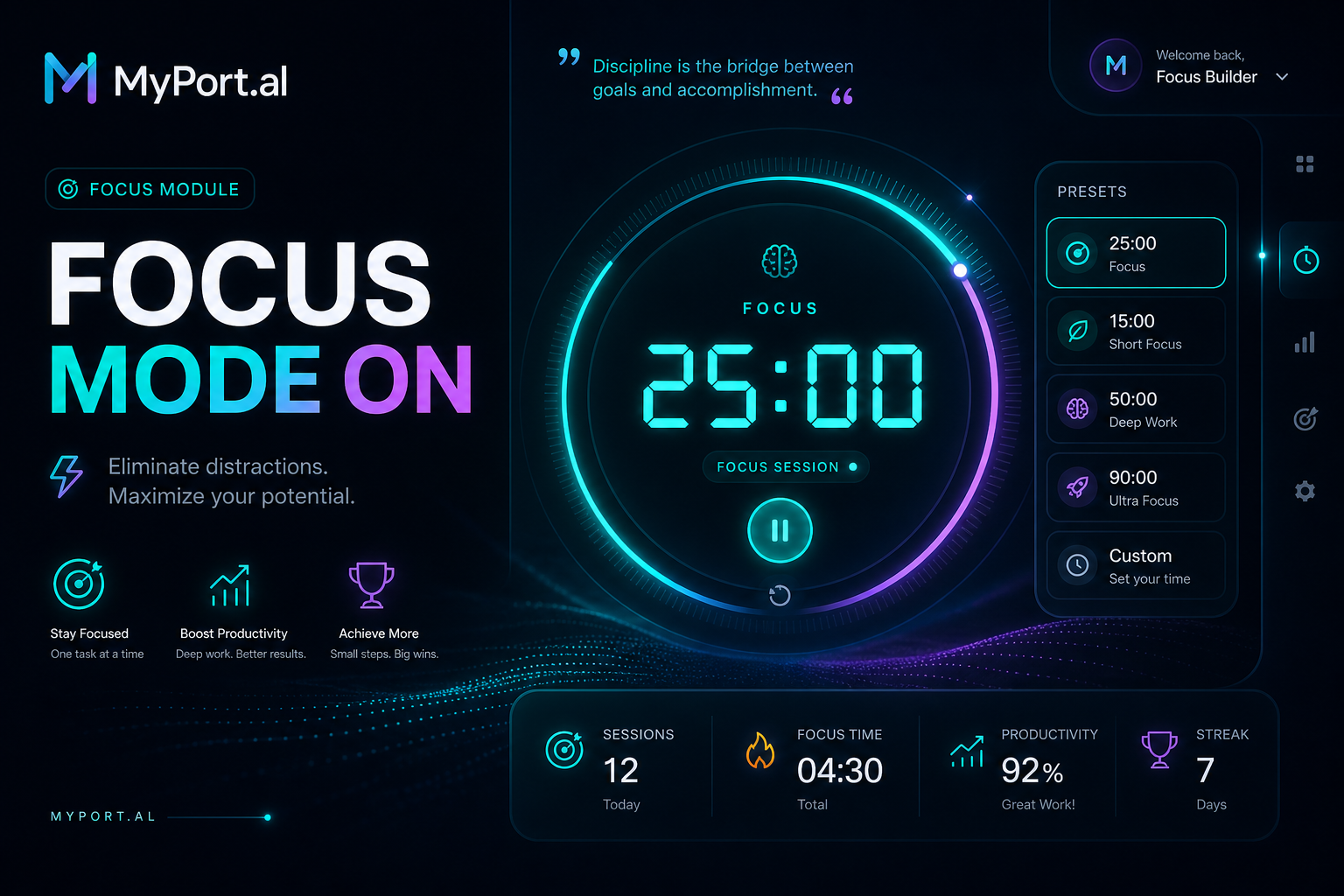
The Countdown Timer module gives you a customizable timer without breaking your dashboard flow. Set a duration, pick from saved presets, and watch the countdown tick down while you stay in context with your tasks, calendar, and goals. When time's up, sound alerts and notifications make sure you actually notice.
Tuesday, 2:08 PM. You have a proposal due at 4. You click your "25 min focus" preset on the Countdown Timer module. The dashboard stays open — tasks on the left, timer front and center. No phone. No tab-switching. When the alert chimes, you take a five-minute break preset before the next sprint. By 3:45, the draft is done.
What Makes It More Than a Kitchen Timer
This isn't a basic stopwatch widget. The Countdown Timer module is built for people who treat focus like a skill:
- Customizable durations — set any length from a quick two-minute breather to a deep ninety-minute session
- Saved presets — one-click access to your go-to Pomodoro, break, and work blocks
- Sound alerts — hear when your session ends without staring at the clock
- Notification support — get notified even if you're in another module or tab
- Dashboard-native controls — start, pause, and reset from the module header like everything else on your board
- Focus-friendly design — minimal distraction, maximum visibility
The Fun Factor
There's something satisfying about watching a timer count down while your task list shrinks beside it. Presets turn "I should focus" into a one-click ritual — no negotiating with yourself about how long to work. Pair it with the To-Do module's high-priority column and you've got a lightweight productivity stack that rivals dedicated focus apps, minus the subscription and the separate login.
And when your Start of Day module surfaces your top tasks each morning? Starting a focus timer becomes the natural next step — not a context switch to another app you'll forget to close.
Who It's For
- Remote workers who need Pomodoro-style sessions without phone-based timers
- Students and learners pairing focus blocks with the Flashcards module
- Side project builders protecting deep work time between meetings
- Anyone whose phone is the enemy of focus and wants the timer where they already work
Start With Focus
A timer on your dashboard turns intention into action. Save your favorite presets, run your first focus session, and notice how much easier it is when the clock lives where your work does.
Preview the Countdown Timer module or add it to your dashboard — and stop losing focus before the timer even starts.
Try the Countdown Timer app on your dashboard.